
Your most confidential conversations, board-level strategy, sensitive HR matters, financial forecasts no longer happen behind closed doors.
They happen on screen.
And here’s the uncomfortable question most organisations aren’t asking:
Is your virtual meeting room as secure as your physical one?
For millions of UK workers, video conferencing isn’t just a tool anymore. It’s the central nervous system of their organisation. Team standups, client pitches, contract negotiations all flow through platforms like Zoom, Teams, and Webex.
But that convenience has come at a cost.
Every call you make is a potential entry point for security threats. A single breach can expose sensitive data, destroy client trust, and land your organisation with a hefty fine from the ICO.
The good news? You can lock things down. And it doesn’t require a PhD in cybersecurity.
As a vendor-agnostic integrator with over 20 years’ experience configuring enterprise video conferencing platforms and accredited partners of Zoom, Microsoft, Cisco, Poly, and more we’ve seen first-hand how these vulnerabilities play out.
In this guide, we’ll walk you through the real-world threats targeting video calls right now, a practical multi-layered defence covering your platform, your people, and your processes, and how to build a culture of security that actually sticks.
Let’s get into it.
Why Securing Your Video Calls is Non-Negotiable
Here’s a stat that puts things into perspective:
According to the Office for National Statistics, 28% of working adults in Great Britain now follow a hybrid model, working both from home and the office.
That means more sensitive data is being transmitted outside the traditional office network than ever before. And much of it flows through video calls.
Think about what gets discussed on a typical week of calls:
- Financial results and forecasts
- Intellectual property and product roadmaps
- Client-confidential or patient-confidential information
- Legal and HR discussions
- Strategic M&A activity
Now imagine any of that falling into the wrong hands.
What a Breach Actually Looks Like
It’s not just about someone listening in on a call. The knock-on effects are brutal:
- Financial loss: Direct theft, industrial espionage, or competitors gaining an unfair advantage from leaked strategy.
- Reputational damage: Once clients and partners lose trust, winning it back is an uphill battle.
- Regulatory penalties: The Information Commissioner’s Office (ICO) doesn’t mess about. Under UK GDPR, breaches can result in fines of up to £17.5 million or 4% of annual global turnover whichever is greater.
- Operational disruption. The downtime alone can be crippling, never mind the cost of remediation.
The threats have evolved. What started with relatively unsophisticated “Zoombombing” strangers gatecrashing meetings to cause disruption has matured into targeted corporate espionage and deliberate data exfiltration.
This isn’t theoretical. It’s happening right now.
Know Your Enemy: Common Video Conferencing Vulnerabilities
Before you can defend against threats, you need to understand them.
Here are the five most common vulnerabilities we see across client environments:
1. Unauthorised Access
How it happens: Re-using personal meeting IDs, skipping passwords, or sharing meeting links in public forums like Slack channels or social media.
The risk: Uninvited guests can listen in on confidential discussions, disrupt meetings, or share malicious content.
This one’s surprisingly common and surprisingly easy to prevent.
2. Eavesdropping and Man-in-the-Middle Attacks
How it happens: Attackers intercept unencrypted data, often when someone joins from an insecure network like public Wi-Fi.
The risk: Your entire conversation video, audio, and chat can be captured without anyone knowing.
If your data isn’t encrypted in transit, it’s essentially being broadcast.
3. Platform and Software Vulnerabilities
How it happens: Attackers exploit security flaws in the video conferencing application itself, or in the firmware of the hardware you’re running it on.
The risk: This can lead to remote code execution, malware installation, or even full system takeover.
This is why timely updates are critical. Every patch you delay is a window left open.
4. Insider Threats
How it happens: An employee either maliciously or accidentally leaks a meeting link, shares a recording with the wrong person, or forwards sensitive chat logs.
The risk: A significant percentage of data breaches originate from inside the organisation. Not every threat comes from a shadowy hacker.
5. Insecure Data Storage
The question you should be asking: “Where are our call recordings, transcripts, and chat logs stored? Who has access? And for how long?”
The risk: Data stored in non-compliant locations or without proper access controls is a sitting duck. If you can’t answer those questions confidently, you’ve got a problem.
What We’re Actually Seeing in Client Audits
Before we get into the practical checklist, it’s worth sharing what our consultants are finding when they assess organisations’ video conferencing setups.
When we audited a 200-person professional services firm last year, we found that over 60% of their scheduled meetings were using a default Personal Meeting ID with no passcode set. Their E2EE wasn’t enabled despite being available on their platform and call recordings were being saved to individual laptops rather than a centralised, access-controlled location. Within three weeks of implementing our recommendations, they had eliminated unauthorised access incidents entirely and brought their recording storage into compliance.
It’s a pattern we see repeatedly: the platform itself has the security features built in, but nobody has configured them properly. That gap between what’s available and what’s switched on is where most of the risk sits.
Your Multi-Layered Defence: A Practical Security Checklist
Right, here’s where we get practical.
Securing your video conferencing isn’t about doing one big thing. It’s about layering multiple defences so that if one fails, the next one catches it.
Think of it like a castle you don’t just have the outer wall. You’ve got the moat, the drawbridge, the inner keep, and the guards.
Layer 1: Choose the Right Platform and Configure It Properly
This one’s for the IT decision-makers.
Go enterprise-grade:
There’s a world of difference between consumer and business-focused platforms. Enterprise solutions give you the admin controls you need to enforce security across the board.
Enable End-to-End Encryption (E2EE):
In plain English, E2EE means only the participants in the meeting can decrypt and access the conversation. Not even the service provider can listen in. Major platforms like Zoom, Microsoft Teams, and Cisco Webex all offer E2EE but here’s the catch: it often needs to be explicitly enabled by an administrator. It’s not always on by default.
Set up robust access controls:
- Waiting rooms enabled by default to vet every attendee before they join.
- Mandatory passcodes are complex and unique for each meeting.
- Domain-based joining only allows users from your company’s domain to join automatically.
Use a centralised admin console. You need the ability to set and enforce security policies across the entire organisation. This includes disabling high-risk features like local recording or third-party file sharing if they conflict with your security policy.
Check compliance certifications. Look for platforms certified against standards like ISO/IEC 27001 and SOC 2. These aren’t just badges, they’re evidence of rigorous security practices.
Layer 2: Implement Secure Meeting Protocols
This is where office managers, facilities managers, and team leads come in.
Before the call:
- Never use a Personal Meeting ID for scheduled meetings. Always generate a unique meeting ID.
- Distribute links securely via calendar invites, not on public channels.
During the call:
- Assign a host or co-host who’s responsible for security during the meeting.
- Lock the meeting once all expected attendees have joined. This stops anyone else from getting in, even with the link.
- Manage participants mute on entry and control who can share their screen.
After the call:
- Store recordings securely. Use an access-controlled location like Microsoft SharePoint or a secure company server. Not on someone’s laptop.
- Implement a retention policy. Automatically delete recordings after a set period. The less data you hold, the less there is to steal.
Layer 3: Secure the Environment (Hardware, Network, and Device)
The platform can be bulletproof, but if the environment around it is weak, you’re still exposed.
- Network security: Advise staff to avoid using public Wi-Fi for sensitive calls. When it’s unavoidable, a corporate VPN is essential.
- Keep firmware updated: Certified hardware from vendors like HP/Poly, Yealink, Logitech, and Cisco receives regular security patches. These must be applied promptly. Delaying updates is one of the most common and most avoidable mistakes we see.
- Secure the end-point device: The laptop or mobile phone joining the call is a critical vulnerability. Ensure all devices have up-to-date operating systems, active anti-malware software, and a firewall enabled. Encourage physical security, like not leaving a laptop unattended in a public place.
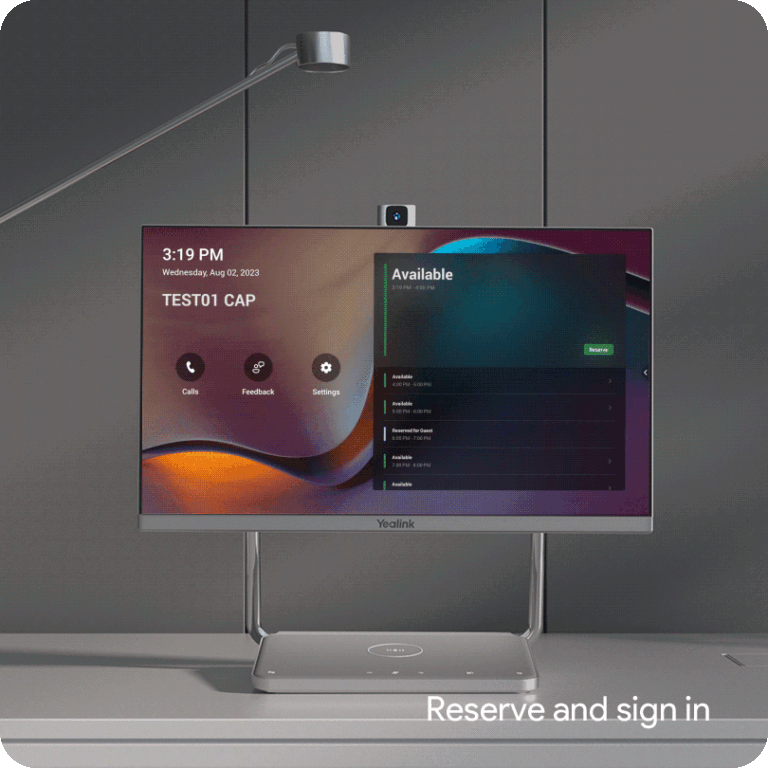
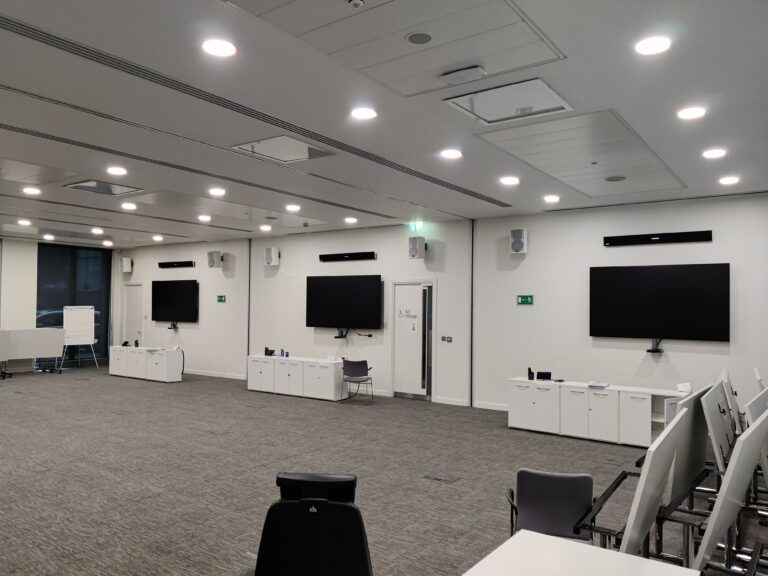
- Consider dedicated meeting room hardware: There’s a strong case for professionally installed, dedicated appliances over a patchwork of personal laptops. They’re more secure, easier to manage centrally, and far more reliable. BYOD setups introduce variables you simply can’t control.
Creating a Culture of Security
Here’s the thing: you can have the best technology and the tightest protocols in the world. But if your people aren’t on board, none of it matters.
Your people are your strongest defence or your biggest vulnerability.
Here’s how to get the culture right:
- Write a clear Acceptable Use Policy: Your organisation needs a formal, easy-to-understand policy for video conferencing. If it’s buried in a 60-page IT handbook, nobody will read it. Keep it concise and accessible.
- Invest in continuous training: Security isn’t a one-time memo. Run regular, brief training sessions to keep best practices fresh and flag new threats. Little and often beats a yearly lecture.
- Lead by example: If senior leadership ignores security protocols, everyone else will too. It starts at the top.
- Have an incident response plan: If a meeting is compromised, what happens next? Who gets notified? How do you end the session securely? Having a clear plan means you respond quickly rather than scrambling.
From Vulnerable to Secure
Let’s recap.
Securing your video conferencing comes down to a multi-layered defence:
- The right platform, properly configured with E2EE, access controls, and centralised management.
- Secure protocols before, during, and after every call.
- A secure environment, covering your network, hardware, and end-user devices.
- Educated, security-aware people backed by clear policies and regular training.
Get all of these right, and you’ve built a defence that’s genuinely robust.
But we’ll be honest navigating the options, configuring platforms correctly, and integrating hardware securely across your organisation can be complex and time-consuming. It’s a lot to get right on your own.
That’s where we come in.
At VideoCentric, we take a vendor-agnostic approach. We’re not here to push a particular product. We’re here to find the solution that’s right for your organisation—not ours. Our consultants can assess your current setup, identify vulnerabilities, and design a security strategy tailored to your needs.
Book your free, no-obligation consultation today and get proper confidence in your communications.