Moving office is an exciting milestone. New space, new layout, new possibilities.
But for many businesses, it’s also where cracks start to show especially when audio visual (AV) and meeting room technology hasn’t been planned early enough.
At VideoCentric, we’ve supported organisations through hundreds of office moves.
One lesson comes up time and time again:
If AV is an afterthought, it quickly becomes an expensive problem.
In this, we’ll walk through the common pitfalls of poorly planned AV during an office move, explain why early planning makes all the difference, and show how the right preparation can save time, money, and frustration.
The Hidden Risk of Not Planning AV Early
When businesses plan an office move, focus often falls on:
- Furniture
- IT infrastructure
- Connectivity
- Floorplans and general fit-out
AV, meeting rooms, and collaboration technology are frequently left until the final stages or worse, until after people have already moved in.
This can lead to:
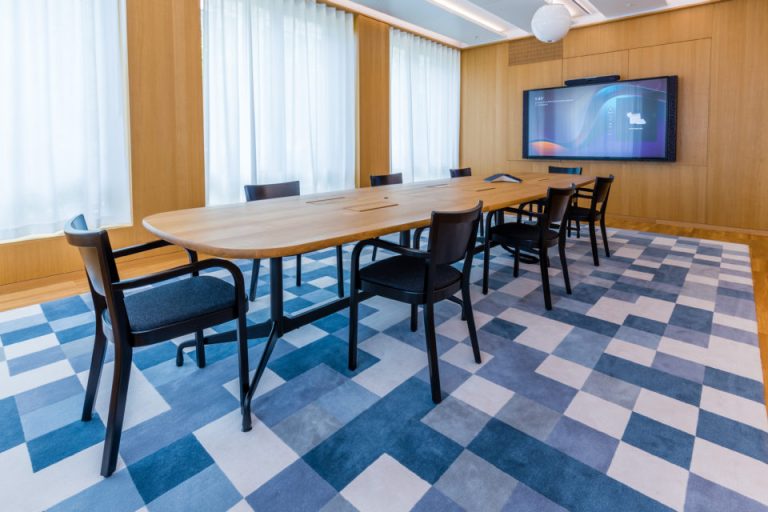
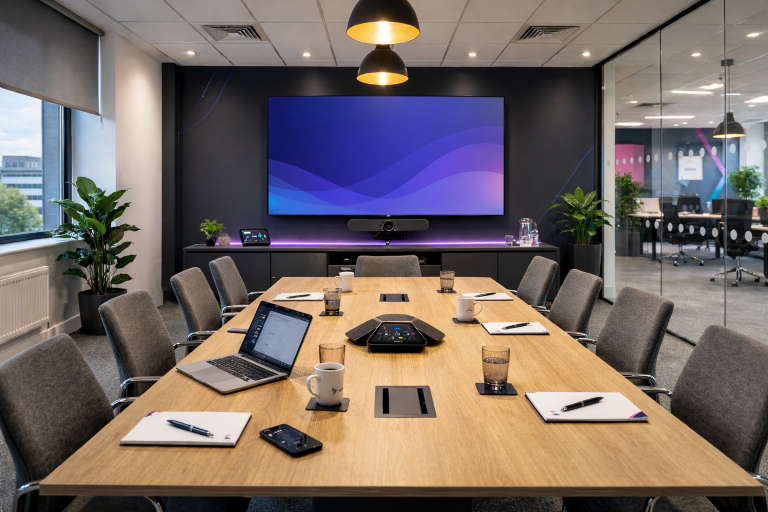
- Meeting rooms that don’t work as expected
- Video calls with poor audio or camera angles
- Screens in the wrong place or the wrong size for the new room
- Cabling issues discovered too late
- Unexpected upgrade costs
In a world of hybrid working and video-first communications, these issues don’t just cause inconvenience, they impact productivity, professionalism, and employee experience from day one.
“Can’t We Just Reuse Our Existing AV Equipment?”
This is one of the most common questions we hear — and the honest answer is: sometimes.
Your current AV kit may still be suitable, but only if it’s been properly assessed against:
- The new room sizes
- Ceiling heights and acoustics
- Lighting conditions
- Room layouts and seating positions
- How your teams actually collaborate today
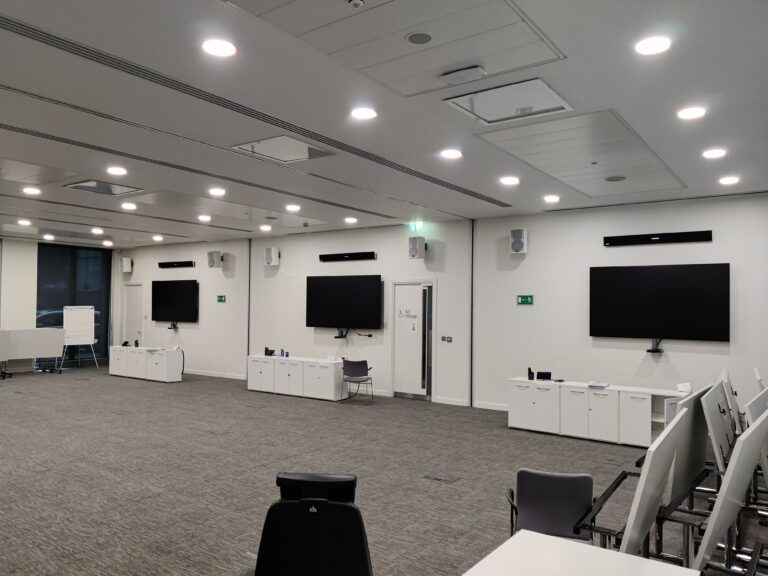
A camera that worked perfectly in a small meeting room can struggle in a larger space.
Microphones that once picked up everyone clearly may fail in open, modern offices with higher ceilings.
Displays that were “fine before” can suddenly feel undersized or poorly positioned.
This is why an AV survey of the new office is critical before decisions are made.
The Pitfalls We See When AV Isn’t Considered Early
Here are some of the most common (and costly) mistakes businesses make during office moves:
1. Meeting Rooms Designed Without AV in Mind
Rooms look great on paper but once installed, there’s nowhere sensible for cameras, screens, or microphones.
2. Cabling and Power Overlooked
No allowance for display mounts, floor boxes, ceiling microphones, or future expansion.
3. Last-Minute AV Decisions
Rushed choices often lead to overspending or compromises that don’t fully meet user needs.
4. Inconsistent User Experience
Different rooms behave differently, confusing users and increasing IT support tickets.
5. Upgrades That Could Have Been Avoided
Equipment replaced unnecessarily or worse, equipment kept when it should have been upgraded.
Why Early AV Planning Makes All the Difference
Planning AV early in your office move allows you to:
- Design meeting rooms properly, not retrospectively
- Reuse existing equipment where it genuinely makes sense
- Identify where upgrades will have the biggest impact
- Ensure consistent, easy-to-use meeting spaces
- Avoid unexpected costs late in the project
Most importantly, it ensures your new office supports the way your teams actually work from day one.
How VideoCentric Supports Office Moves
At VideoCentric, we don’t just “install kit”. We help businesses plan, assess, and optimise AV as part of a wider office move.
Our Office Moves Support Includes:
- Free initial consultation
- AV surveys of your new office space
- Assessment of existing AV equipment
- Practical recommendations (reuse vs upgrade)
- Collaboration room design support
- Installation, configuration, and user training
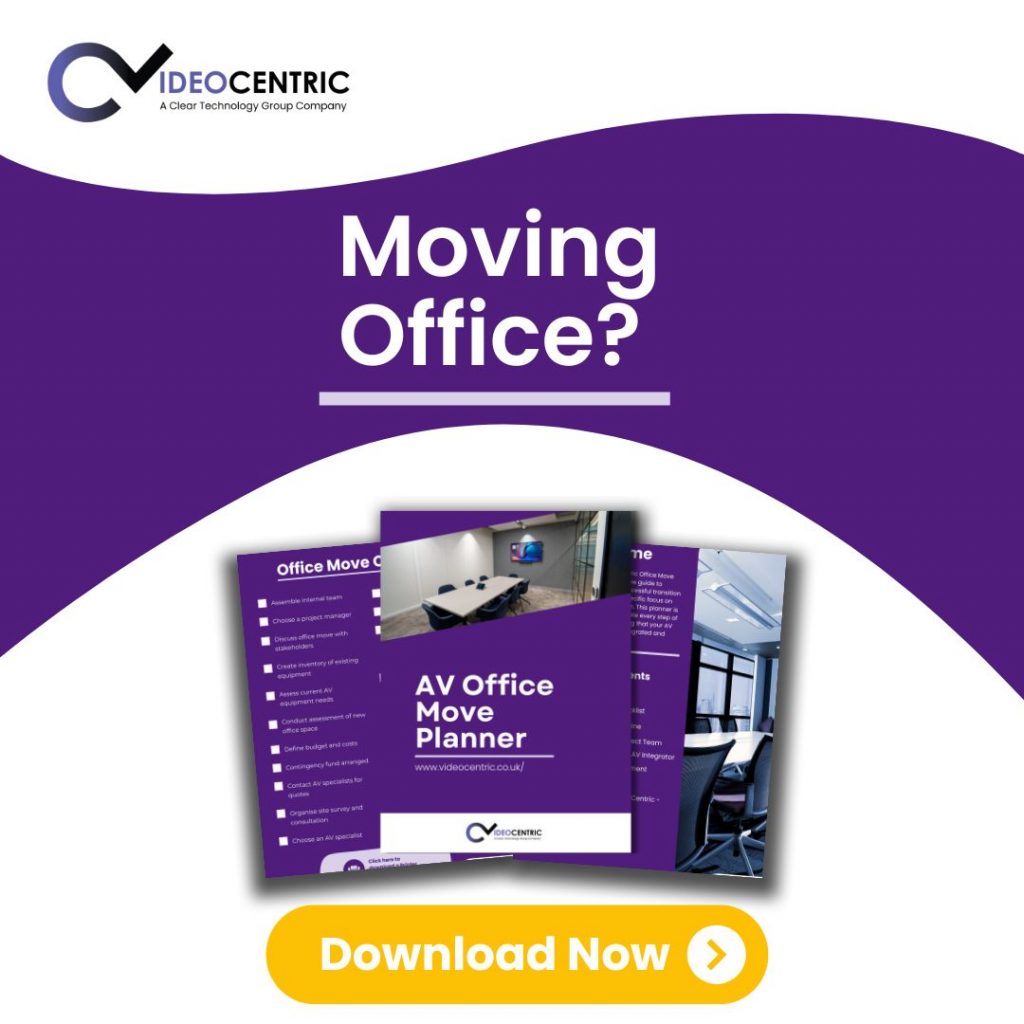
To make this even easier, we’ve created a dedicated Office Moves Planner — designed to help you think about AV before it becomes a problem.
Download the Office Moves AV Planner
Our free planner helps you:
- Ask the right AV questions early
- Avoid common office move pitfalls
- Prepare for conversations with landlords, designers, and IT teams
- Ensure your new meeting rooms actually work
👉 Download the Office Moves Planner
👉 Or book a free consultation with our AV specialists
Final Thought: Plan Once, Benefit for Years
An office move isn’t something you do often but the decisions you make will affect your teams every single day.
By planning AV early, surveying the new space properly, and getting expert input from the start, you can avoid costly mistakes and create meeting spaces that truly support modern, hybrid working.
If you’re planning an office move, you and your team deserve to get it right.